Home / Using a Cooler
for folks using a coolerGrab a snack. We'll handle the rest.
Here's how our coolers work, what to do if something goes wrong, and how to ask for your favorite snack.
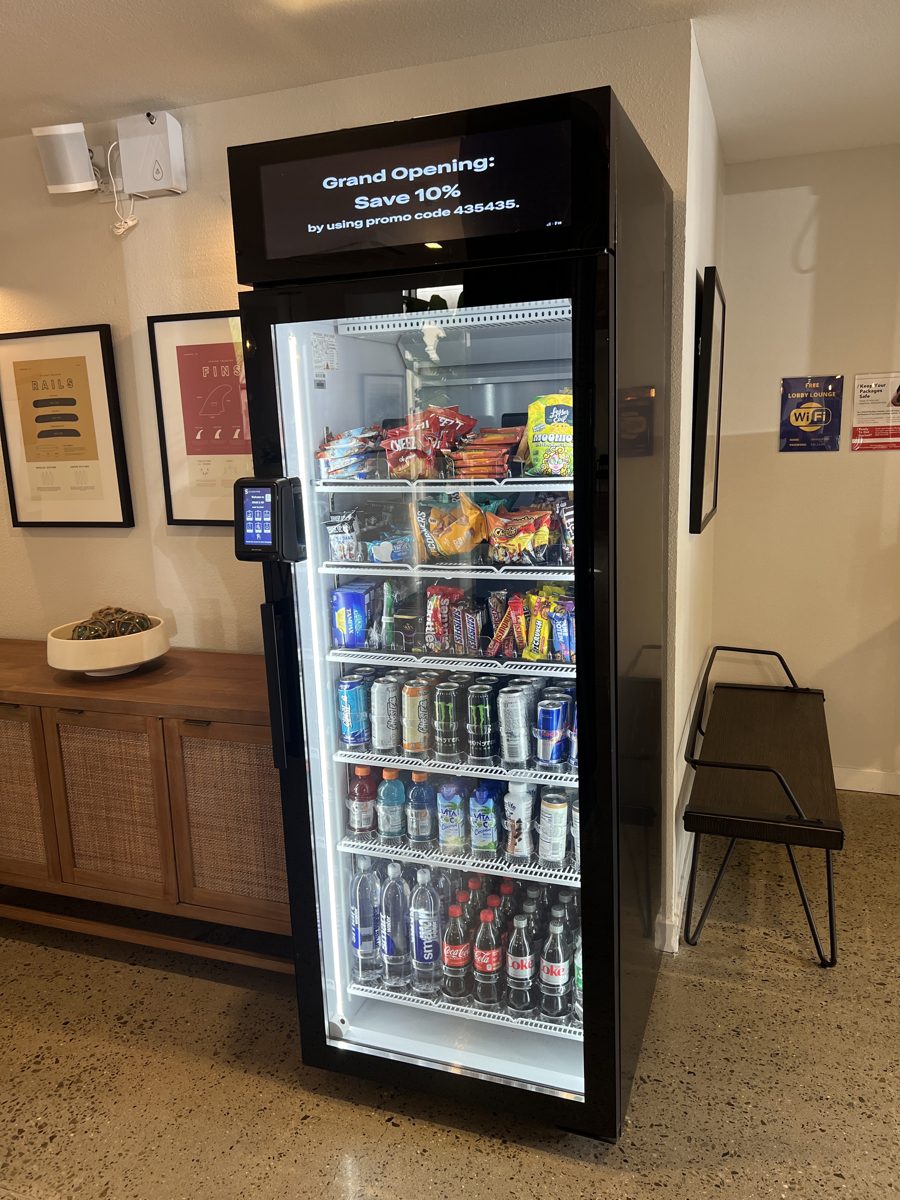
Three steps. No line.
No app to download and no cashier.
Tap your card
Tap at the reader and the door unlocks.
Grab what you like
Pick your drinks and snacks. Changed your mind? Put it back.
Close the door
That's it. You're all set.
Something not right? Tell us.
We read every note. Pick the form that fits. Each one takes about a minute on your phone.
Request a refund
Didn't get your item, charged the wrong amount, or charged twice? Tell us when and where, and we'll look into it.
Open the refund form →tapandtake.tech/refund got a craving?Suggest a product
Missing your favorite snack or drink? Tell us what you'd like to see at your cooler or micro market.
Open the suggestion form →tapandtake.tech/suggestReport a machine problem
Door won't open, screen error, not cold, or general feedback. Please include the cooler's location. It helps a lot.
- Report machine errorsSo we can fix it quickly.
- Charged wrong?Use the refund request form instead.
- Want something stocked?Use the suggest a product form.
- General feedbackHow we can make your cooler better.
Good questions.
When can I use the cooler?
For shoppersAnytime. Smart coolers run 24/7.
My purchase didn't go right. What do I do?
For shoppersFill out our refund request form. Tell us the cooler's location, when you bought, and what happened, and we'll look into it.
The cooler isn't working. Who do I tell?
For shoppersUse the machine problem form and include the location. Reporting machine errors helps us fix them quickly.
Can I ask for a snack or drink you don't carry?
For shoppersYes, please do. Use the suggest a product form and tell us which cooler you use.
How does a micro market work?
For shoppersGrab what you want from the open shelves, then pay at the self-checkout kiosk.
I want a cooler in my building. How?
For shoppersTell your property manager or building owner about us, or point them to our Get a Cooler page.
Tell your property manager about us
Coolers are free for property and business owners. Send them our way.
Share the Get a Cooler page